
Quickstart
Get up and running with the GSE Data API in three steps.
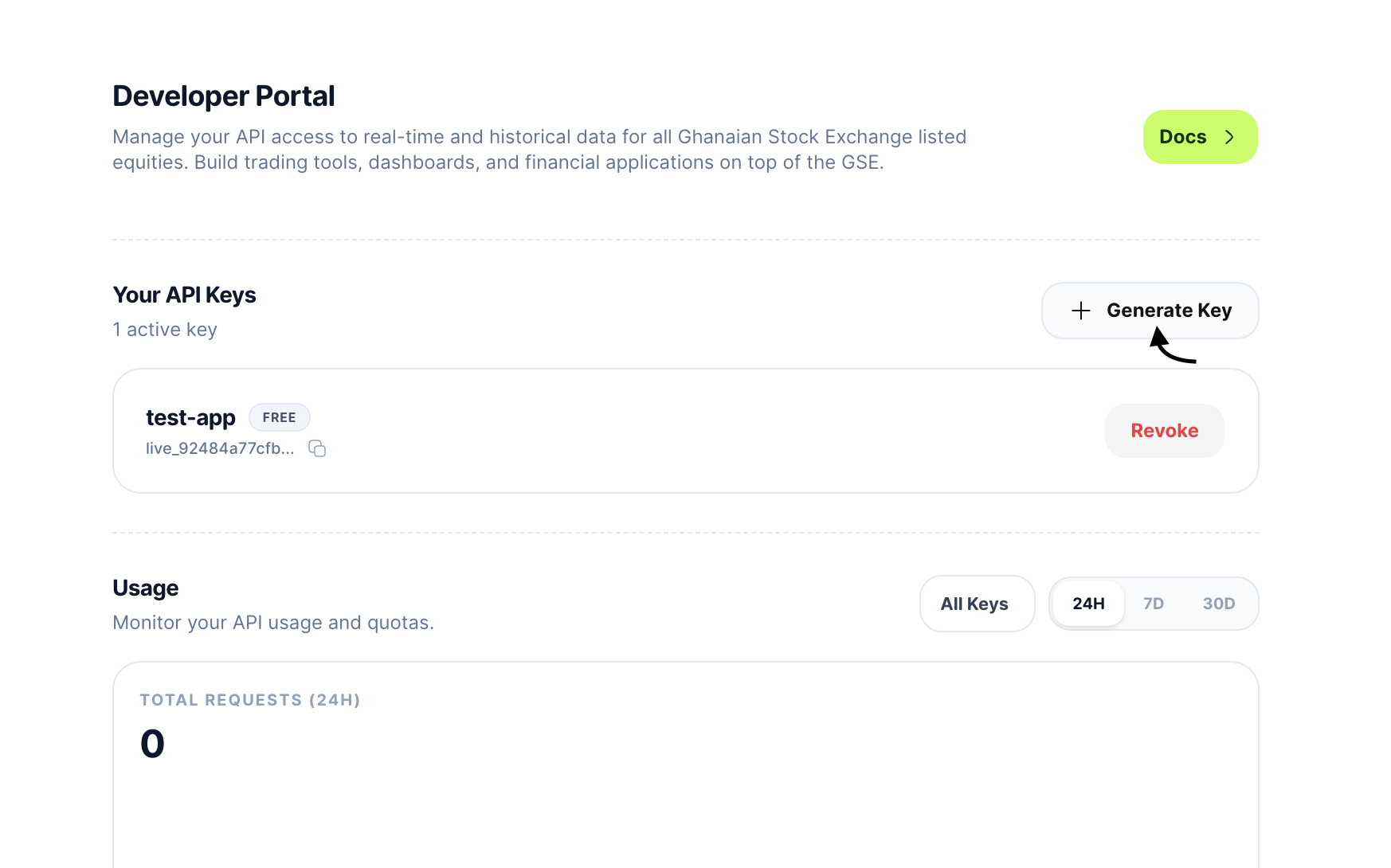
1. Generate your API key
Open the Developer Portal and click Generate Key. Give it a label (e.g. "Production App") and copy the key it is shown only once.
Your key starts with live_ followed by 48 hex characters.
2. Make your first request
Pass your key in the X-API-Key header:
bash
1curl -X GET "https://api.usevalley.xyz/v1/stocks/MTNGH" \
2     -H "X-API-Key: live_your_key_here"
3. Inspect the response
A successful response returns the full price snapshot and company profile:
json
1{
2  "data": {
3    "latest": {
4      "symbol": "MTNGH",
5      "display_price": 2.1,
6      "open_price": 2.05,
7      "high_price": 2.12,
8      "low_price": 2.03,
9      "close_price": 2.1,
10      "total_trade_volume": 1250000,
11      "last_known_price": 2.1
12    },
13    "metrics": {
14      "yearHigh": 2.45,
15      "yearLow": 1.72,
16      "avgVolume30d": 980000,
17      "previousClose": 2.05
18    },
19    "company": {
20      "symbol": "MTNGH",
21      "company_name": "Scancom PLC (MTN Ghana)",
22      "sector": "Telecommunications",
23      "exchange": "GSE"
24    }
25  },
26  "meta": {
27    "timestamp": "2026-03-03T11:22:22Z",
28    "version": "1.2",
29    "exchange": "GSE"
30  }
31}
What's next?
- Browse all Stock endpoints
- Check rate limits for your tier
- Read the full Authentication guide